Overview
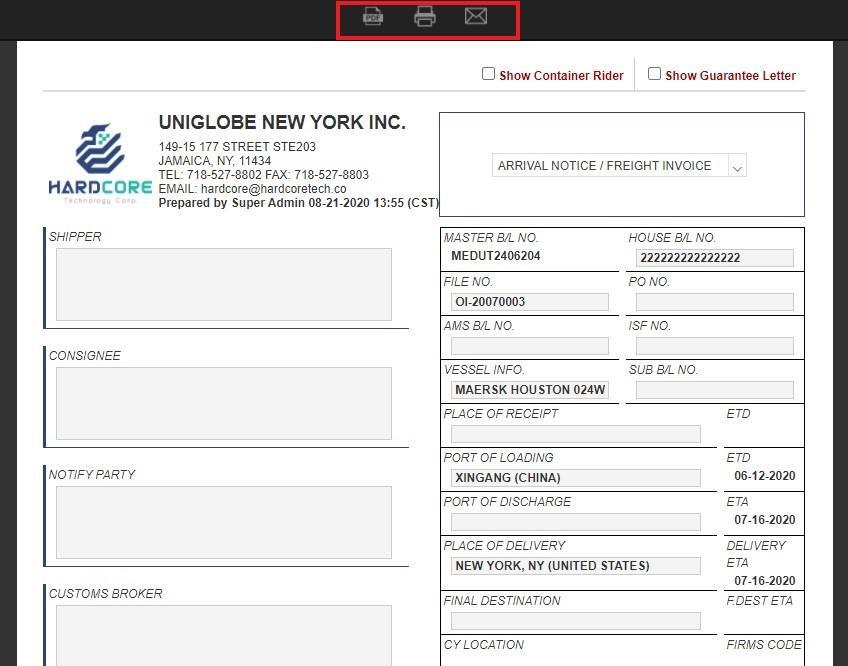
After generating a document (such as saving it as a PDF, printing it, or sending it via email), the document will be automatically saved to the shipment's Doc Center.
How It Works
Whenever you click the “Tools” menu on the MB/L (Master Bill of Lading) or HB/L (House Bill of Lading) to generate documents and select “Download PDF,” “Print PDF,” or “Email” from the options at the top of the page, GoFreight will automatically save the file to the “Doc Center.”