To change the ship mode (FCL, LCL, FAK or BULK) of your shipment, please follow the instructions below:
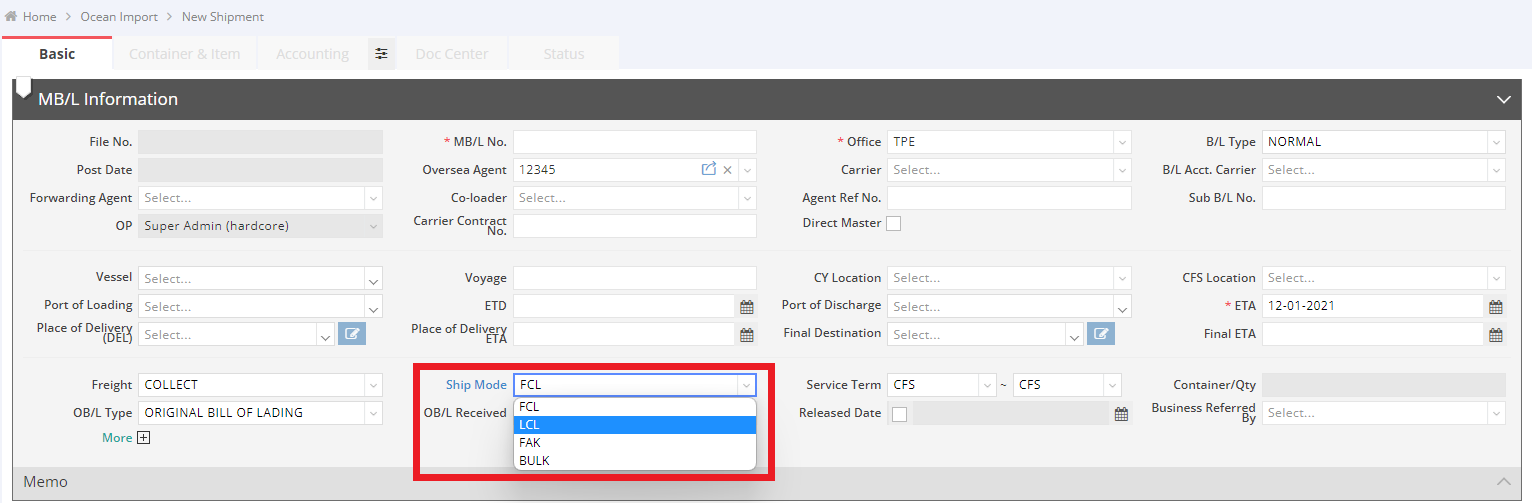
- Select the “Ship Mode” option and choose the desired type in the MB/L (Master Bill of Lading) section. Example: Change from “FCL” to “LCL”
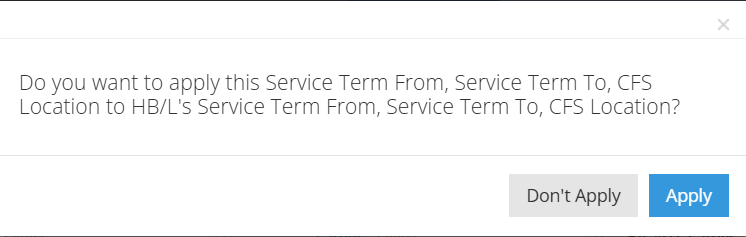
- A reminder message will pop up asking: “Do you want to apply this Service Term From, Service Term To, CFS Location to HB/L’s (House Bill of Lading) Service Term From, Service Term To, CFS Location?” Click “Apply” or “Don’t Apply” to proceed.
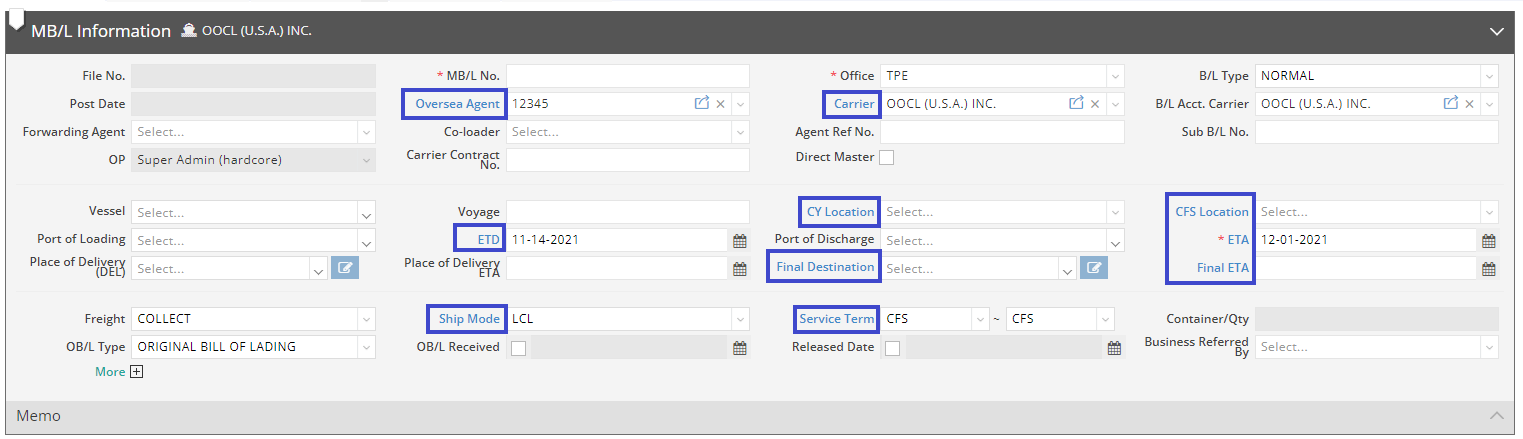
- Some columns will turn blue, indicating that they are relevant for LCL shipments and might need to be filled in. However, completing these fields is not mandatory.