
Managing Shipment Documents Using the Doc Center
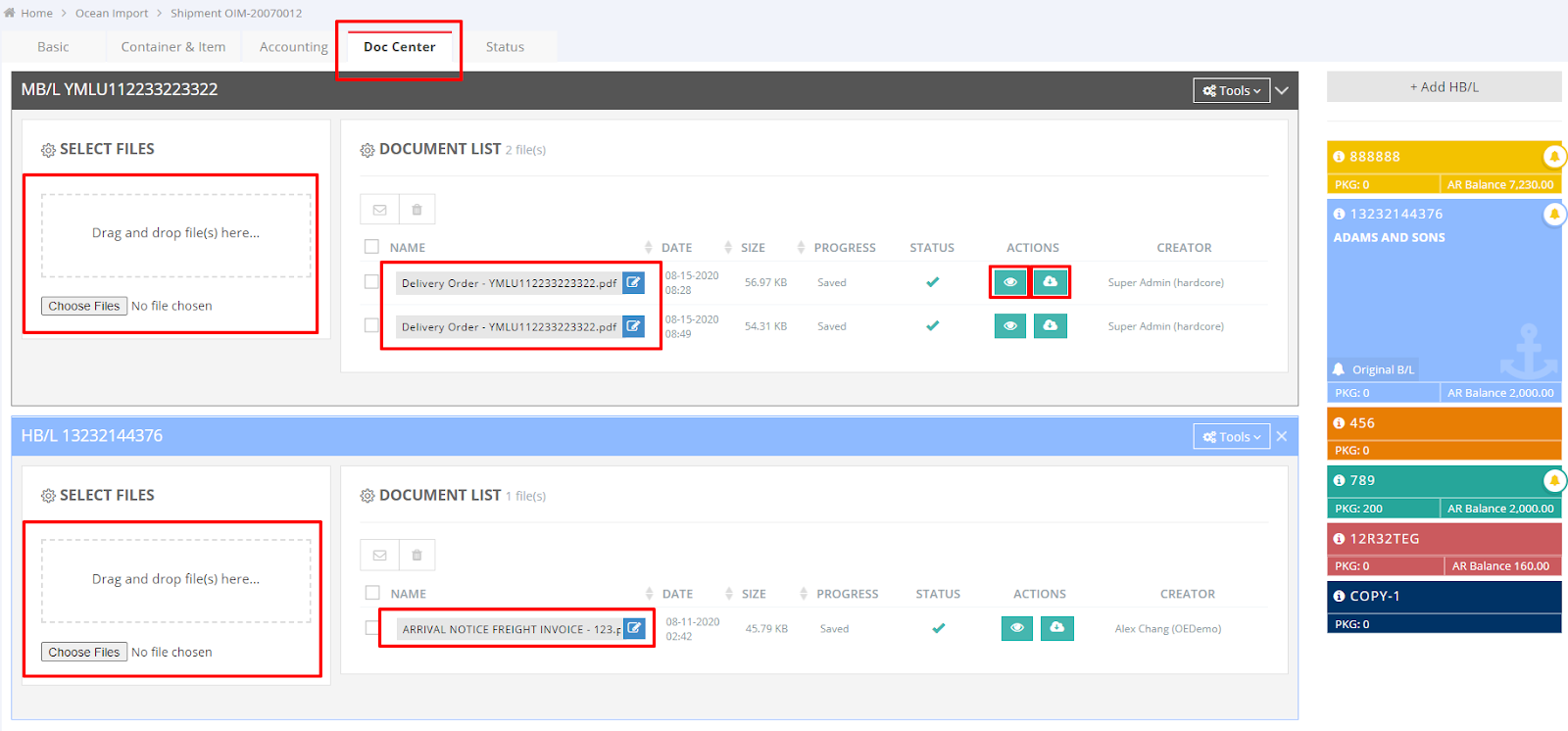
To manage shipment documents such as Master Bill of Lading (MBL), House Bill of Lading (HBL), invoices, packing lists, and commercial invoices, you can utilize the "Doc Center." This centralized feature makes document management efficient and straightforward.
Follow these steps to upload your documents:
- Drag and drop your files into the appropriate sections for MBL and HBL.
- Once uploaded successfully, your files will appear in the “Document List.”
- Under the “Actions” column, you can choose to “Preview” or “Download” the files as needed. Note: the “Preview” feature is only available for PDF files and Plein Text files.
For a visual guide on using this feature, please refer to the following video: