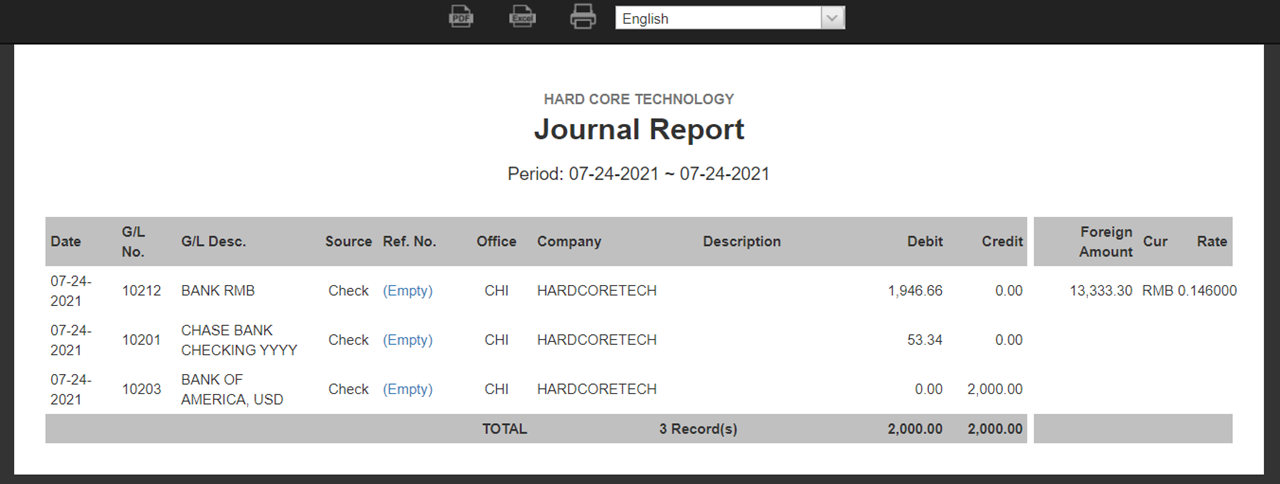
Follow the steps below to complete an Internal Bank Transfer. This guide will cover processes for both single and multi-currency transfers.
(A) One Currency: Internal Bank Transfer
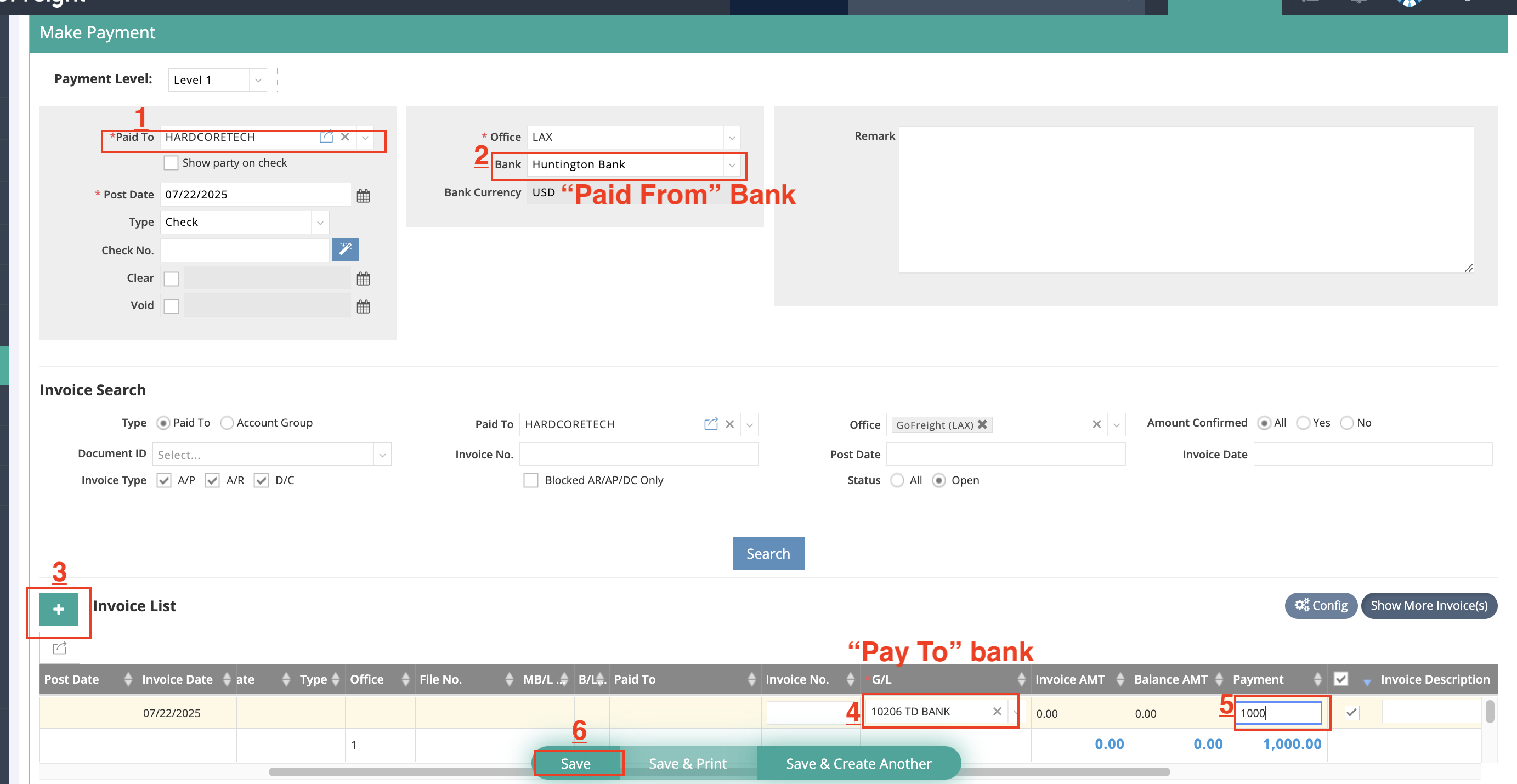
Example: Transfer $1000 from "Huntington Bank" to "TD Bank"
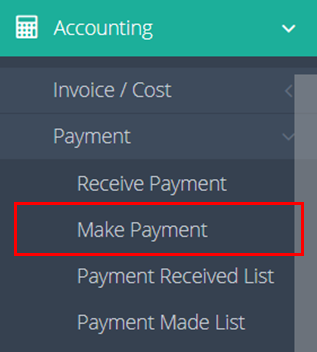
Navigate to "Accounting" > "Payment" > "Make Payment" on the navigation bar.

- Select "TP-MAIN" as the Paid To.
- Select "Huntington Bank" as the Paid From bank.
- Click the green "+" button to add a new line.
- Enter the G/L code (General Ledger Code) for "TD Bank"
- Input the transfer amount.
- Click "Save."
(B) Multi-Currency: Internal Bank Transfer
There are two scenarios for multi-currency transfers: from Other Currency to Main Currency, and from Main Currency to Other Currency.
(B1) Other Currency to Main Currency
Example: If your main currency is USD and you need to transfer from "Bank RMB" to "Bank USD," receiving USD 2000 with an exchange rate of 0.15 from RMB to USD.
Navigate to "Accounting" > "Payment" > "Make Payment" on the navigation bar.
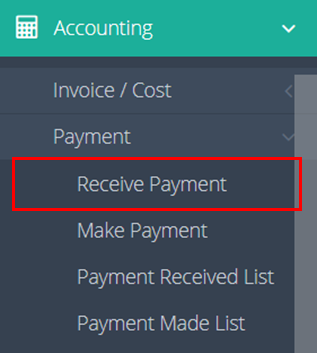
- Select "TP-MAIN" as Received From.
- Choose "Bank USD" as the Received Bank.
- Input the exchange rate: 0.15 (RMB to USD).
- Click the green "+" button to add a new line.
- Enter the G/L code "10212 Bank RMB" for the bank.
- Enter the amount to be transferred (USD 2,000).
- Add a MEMO if necessary.
- Click "Save."
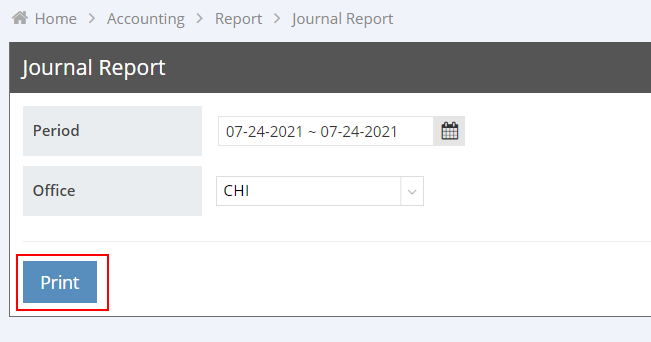
- Next, navigate to "Accounting" > "Report" > "Journal Report" on the navigation bar.
- Select the relevant "Period (Payment post date)" and click "Print."

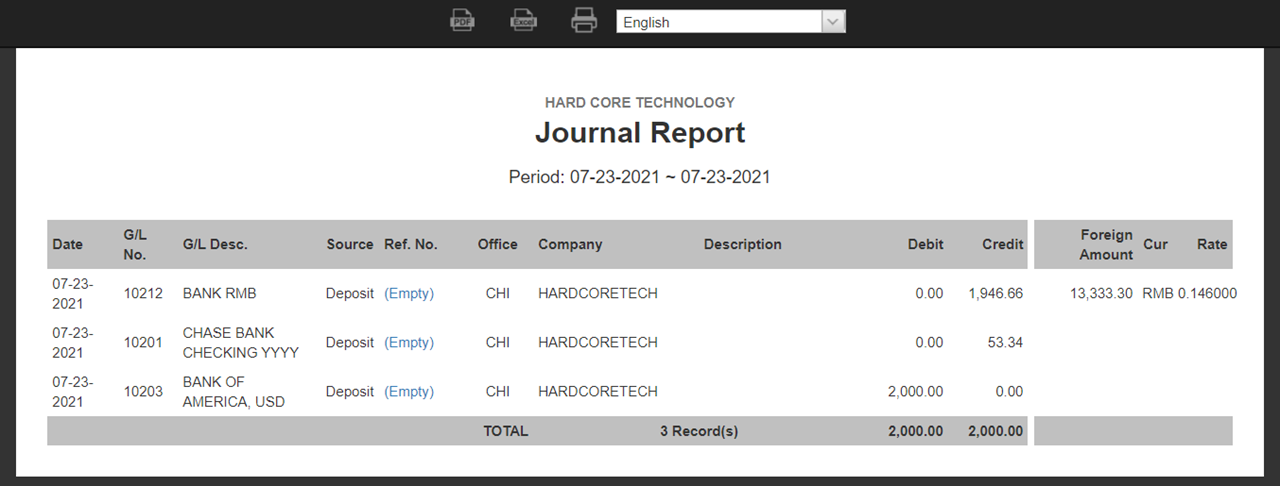
- You can review the transaction details, including foreign exchange gains or losses.
(B2) Main Currency to Other Currency
Example: If your main currency is USD and you need to transfer from "Bank USD" to "Bank RMB," transfer USD 2000.
Navigate to "Accounting" > "Payment" > "Make Payment" on the navigation bar.
- Select "TP-MAIN" as Paid To.
- Choose "Bank USD" as the Paid Bank.
- Input the exchange rate (RMB to USD).
- Click the green "+" button to add a new line.
- Enter the G/L code "10212 Bank RMB" for the bank.
- Input the transfer amount (USD 2,000).
- Add a MEMO if necessary.
- Click "Save."
- Next, navigate to "Accounting" > "Report" > "Journal Report" on the navigation bar.
- Select the relevant "Period (Payment post date)" and click "Print."
- You can review the transaction details, including foreign exchange gains or losses.