How to Reorder Quotation Items?
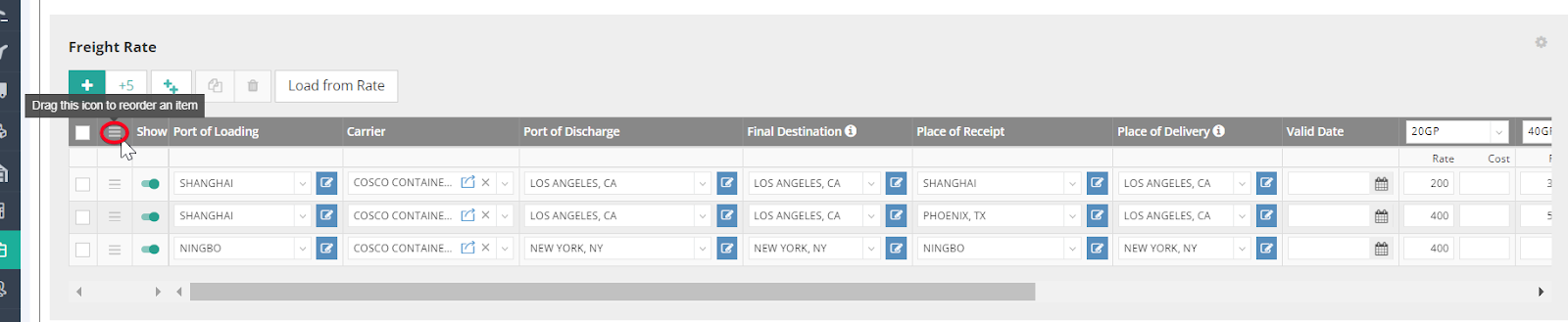
If your quotation contains multiple freight items and you want to reorder them, you can easily rearrange their sequence using the "Drag and Drop" function, represented by the icon below:
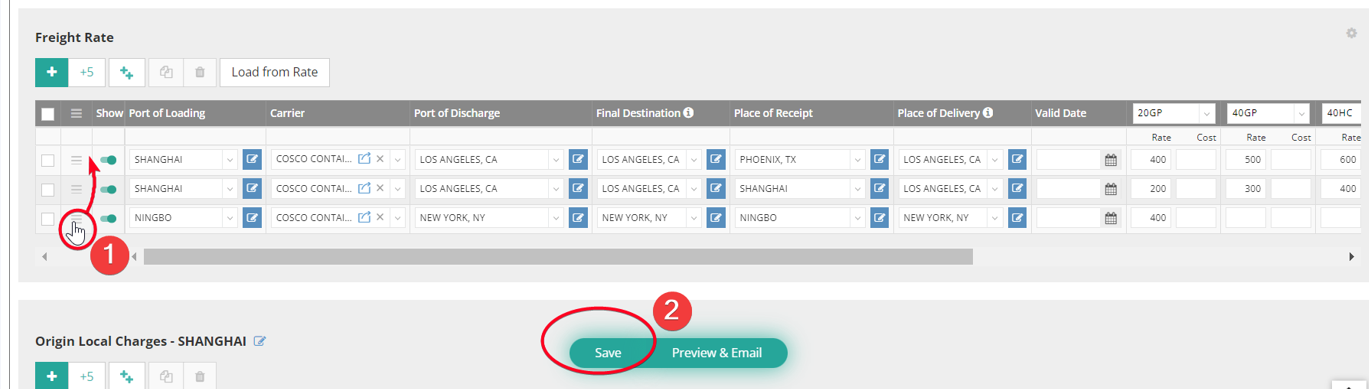
For example, if you want to move the freight item “from Ningbo to New York” to the top of the quotation freight rate list, follow these steps:
- Click and hold the hamburger icon "≡" next to the “from Ningbo to New York” freight item, then drag it to the list's first row.
- Click “Save” to confirm your changes.
How to Hide Quotation Items?
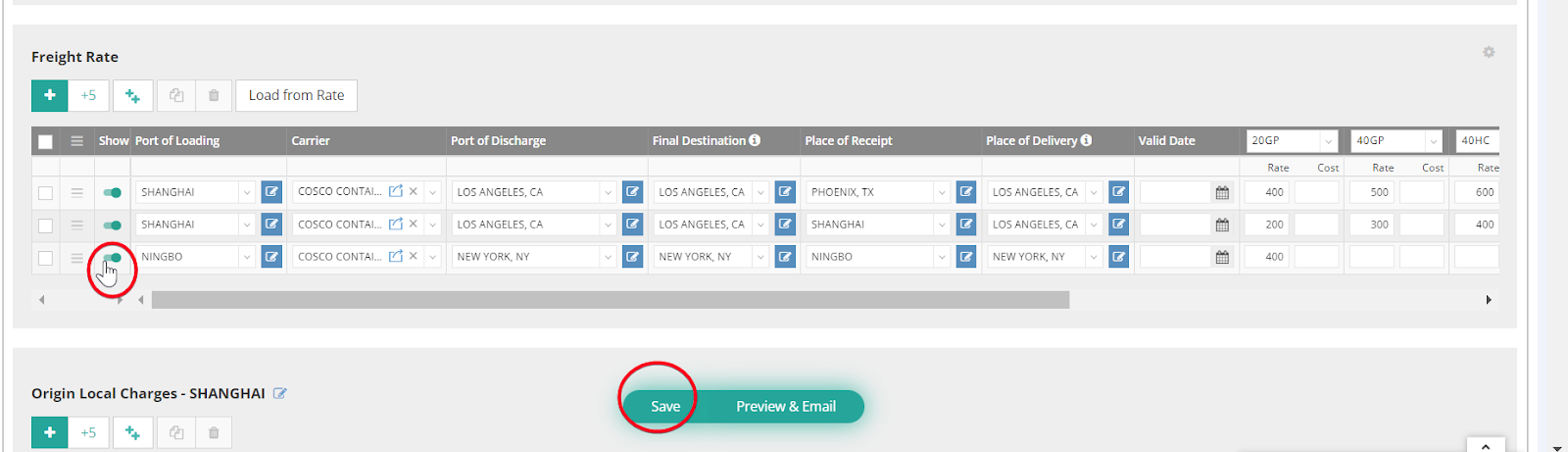
If there are freight items you would like to hide from the quotation document, you can disable them by clicking the green switch icon. After making your selections, remember to click “Save” to apply the changes.