In the system, besides checking the profit in each shipment file, you can also easily track the profit in list view for multiple files across the Ocean, Air, Truck, and Misc modules. In this example, we will focus on ocean import files. Follow these steps to efficiently review profit reports:
Note: This function is available to users with the roles of General Manager, Accounting Manager, Accounting, Operation Manager, and Operation.
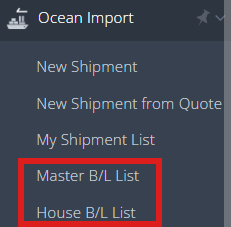
1. Navigate to Ocean Import >Master B/L List (Master Bill of Lading List) or House B/L List (House Bill of Lading List).
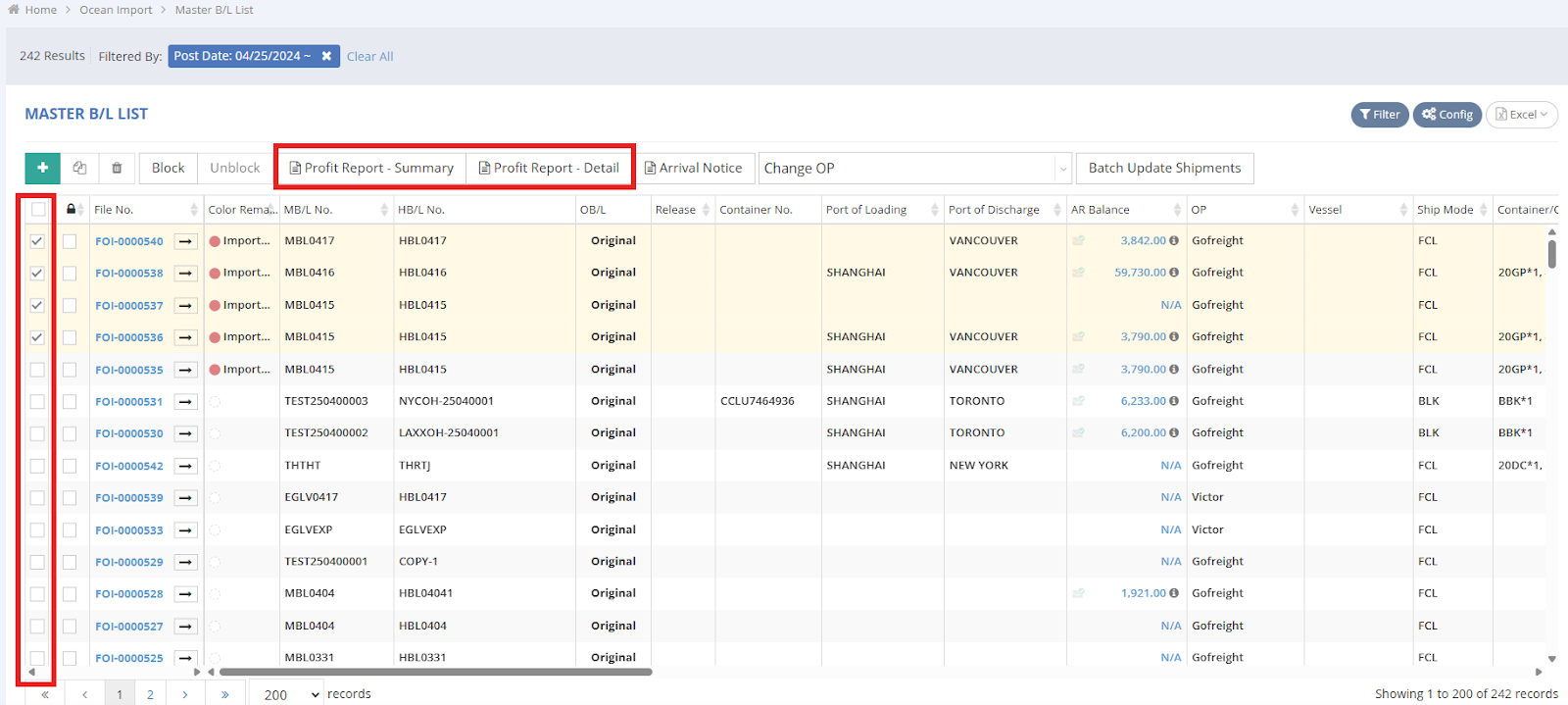
2. Under the Master Bill of Lading List, select the shipments you want to review by checking the boxes, then click either “Profit Report - Summary” or “Profit Report - Detail” located above the list.
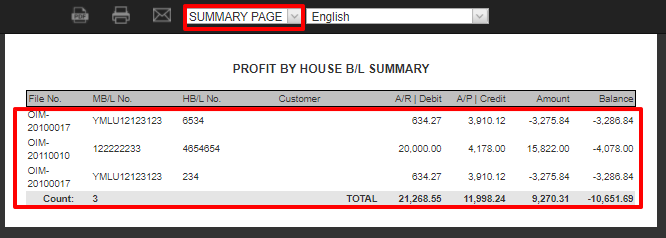
3. The summary accounting amount with the File No. will be displayed on the preview profit page.
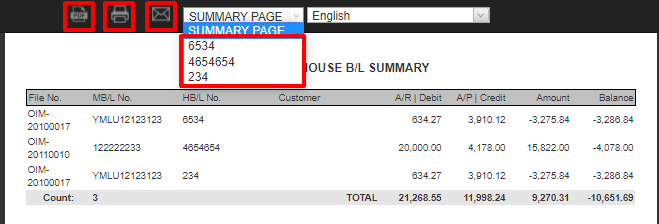
4. To review the profit for specific shipments, simply click the corresponding dropdown menu at the top of the Summary Page to select the shipment. You can also choose to download a PDF, Print a PDF, or email the report, depending on your needs.