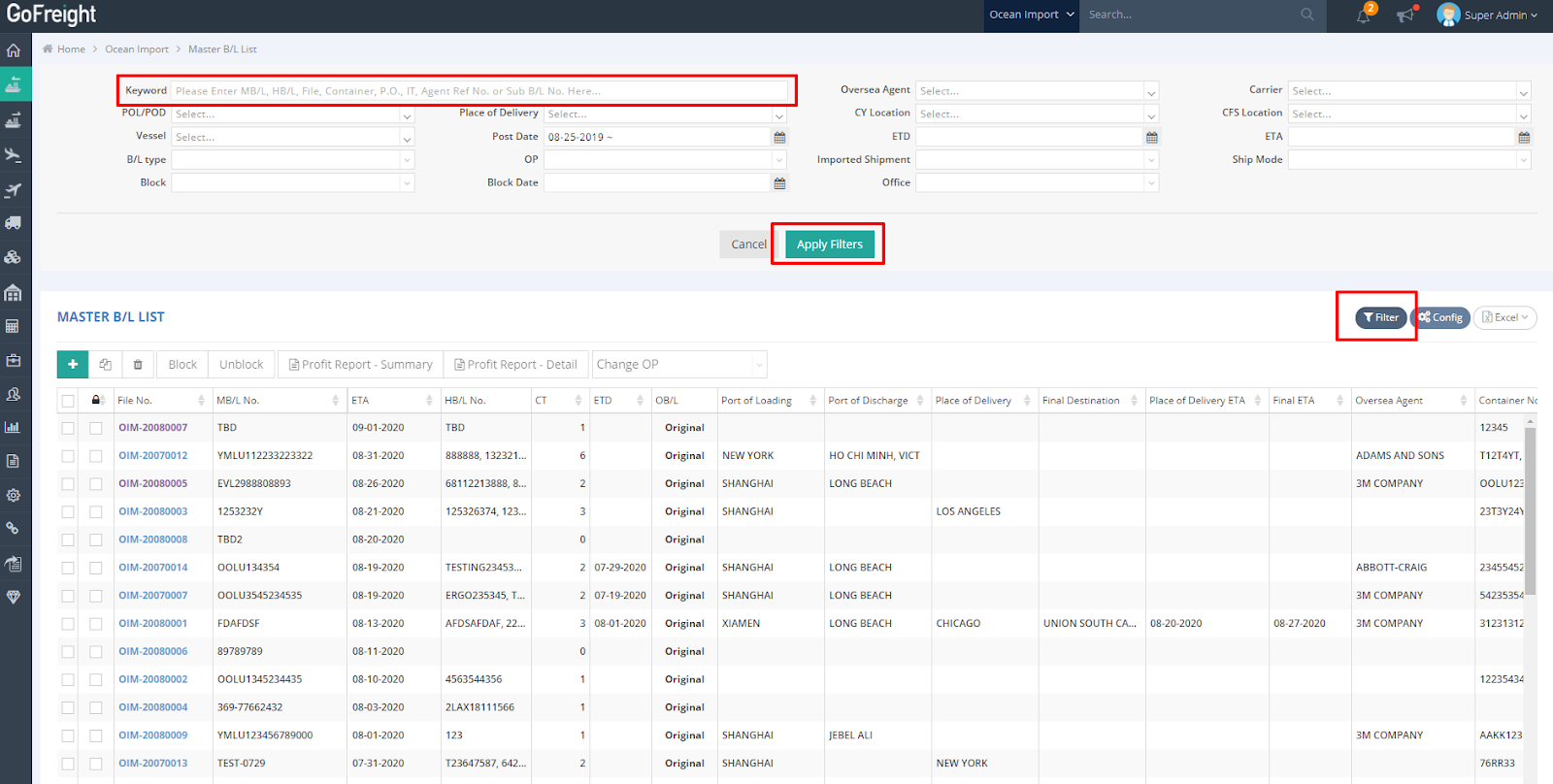
To locate the Ocean Export or Ocean Import shipment files you wish to view, you can utilize the search functionality available in the Master B/L List view.
Please follow the steps below:
-
Navigate to the Master B/L List (Master Bill of Lading List) in either the Ocean Export or Ocean Import module, and then click on 'Filter.' You can search for the Master B/L you need by entering one of the following in the Keyword field:
-
Master B/L No.
-
House B/L No.
-
File No.
-
Purchase Order (PO) No.
-
Agent Reference No.
-
Sub B/L No.
-
-
Click Apply Filters to retrieve the search result.