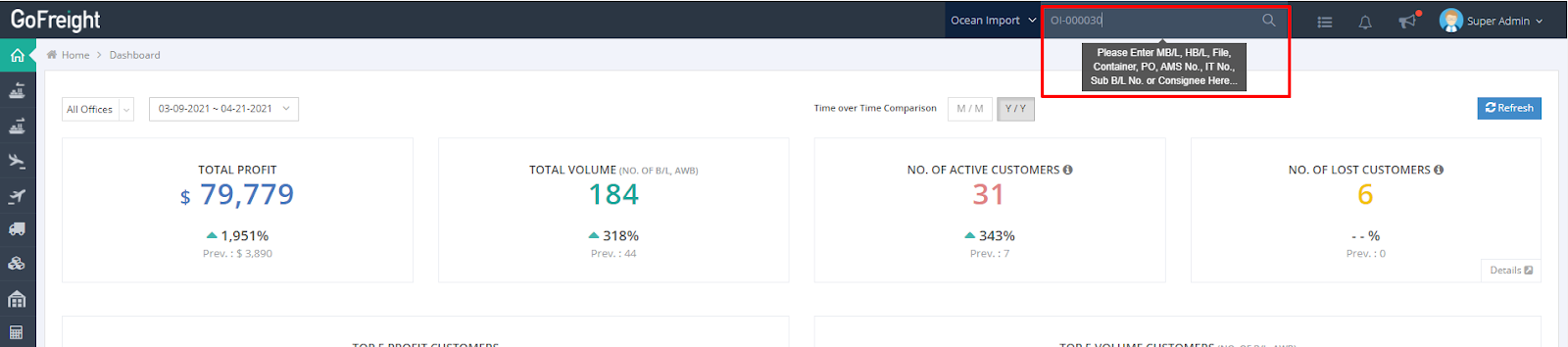
To effectively utilize the Global Search feature in GoFreight, please follow the instructions outlined below.
You can find a search bar at the top of the website, which allows you to enter various identifiers such as MB/L, HB/L, File Number, Container, Consignee, and more.
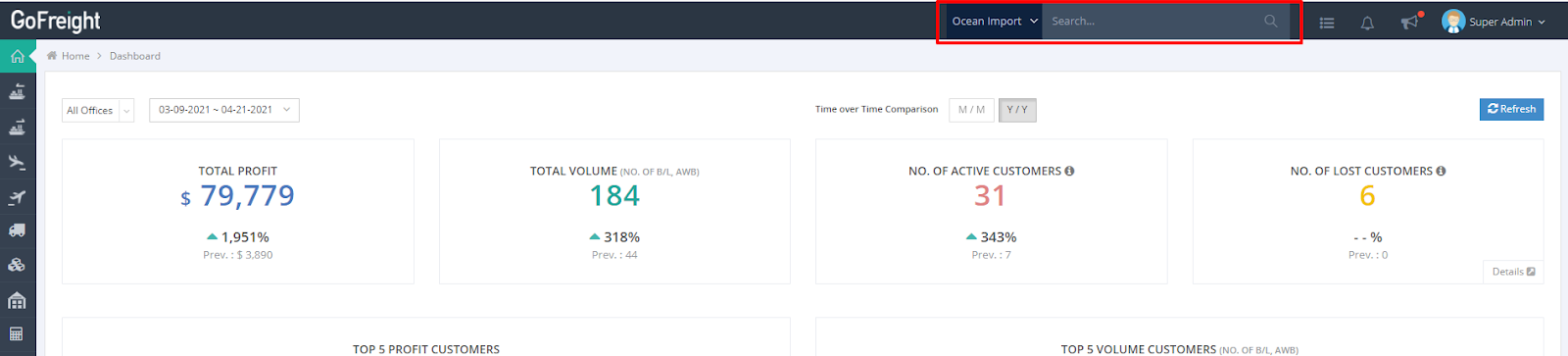
Follow these steps to search for your file, shipment, or invoice:
1. Select the Department
2. Enter the keyword, such as File No., and press Enter to initiate the search.