
GoFreight offers two options to input the LFD (Last Free Date) for ocean shipments.
Option 1: Using the Basic Tab to input the LFD information
- Navigate to the shipment entry page and select the Basic tab.
- Locate the HBL (House Bill of Lading) entry and find the LFD field.
- Input the LFD date in the designated field.

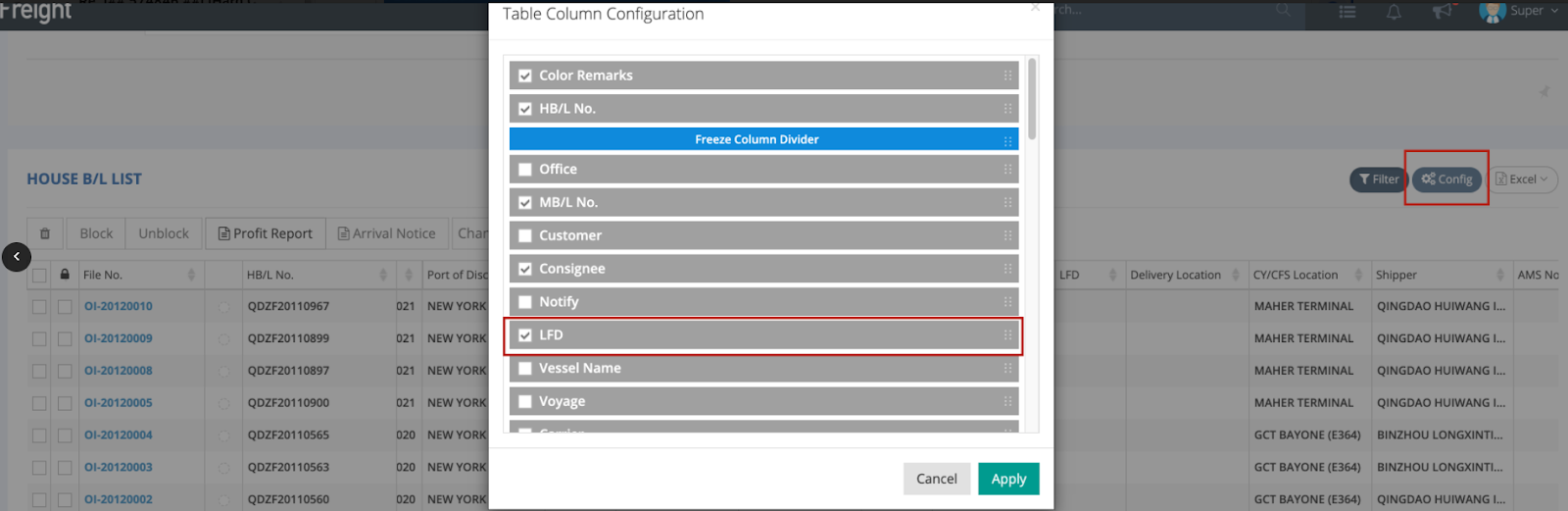
After entering and saving the LFD information in your HBL entry page, you can also select the LFD column and utilize the Config feature under the House B/L List to improve control over the shipment.
Option 2: Using the Container & Item Tab to input the LFD information
- Go to the Container & Item tab in your shipment file.
- In the Container List, locate the LFD field to input the information.
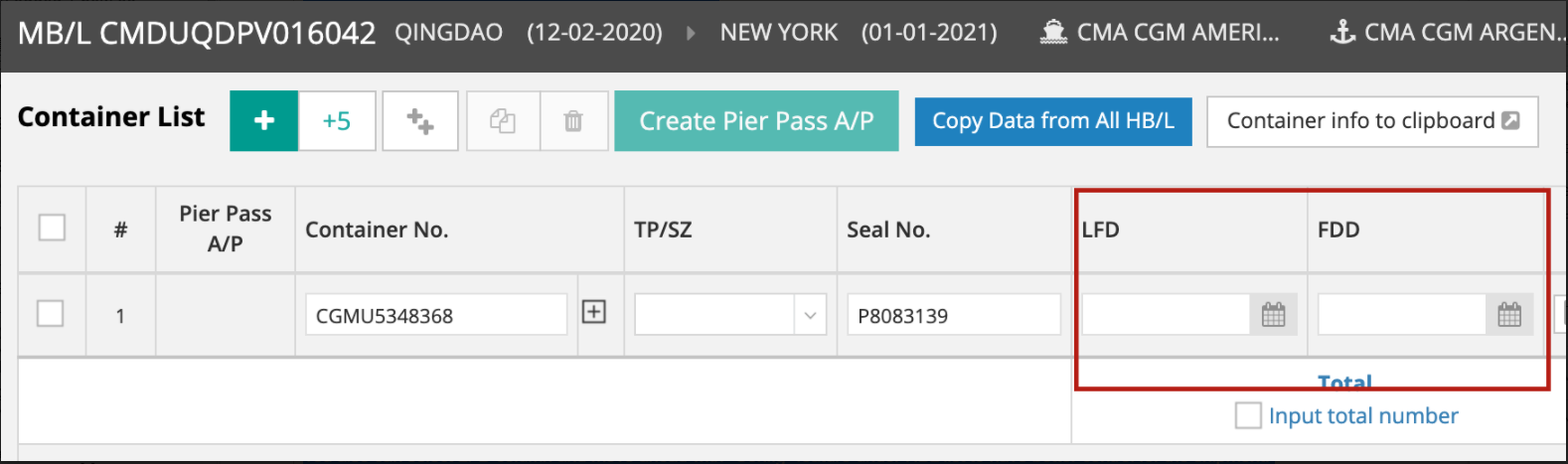
Note that if you input your LFD information in the Container & Item page, this formation will NOT be shown in the House B/L List view.